Install UI friction desk for Yono Rummy sideload—not Play Store or bank app buttons.
Install UI desk
Yono Rummy install button not working
A greyed or unresponsive Install button usually means unknown-app permission is missing for your browser, Play Protect blocked the sideload, or an OEM security scan paused the session. Enable install for Chrome/Files only, pause MIUI/ColorOS optimizers during install, verify checksum, then tap Install once—do not double-tap or switch apps mid-flow.
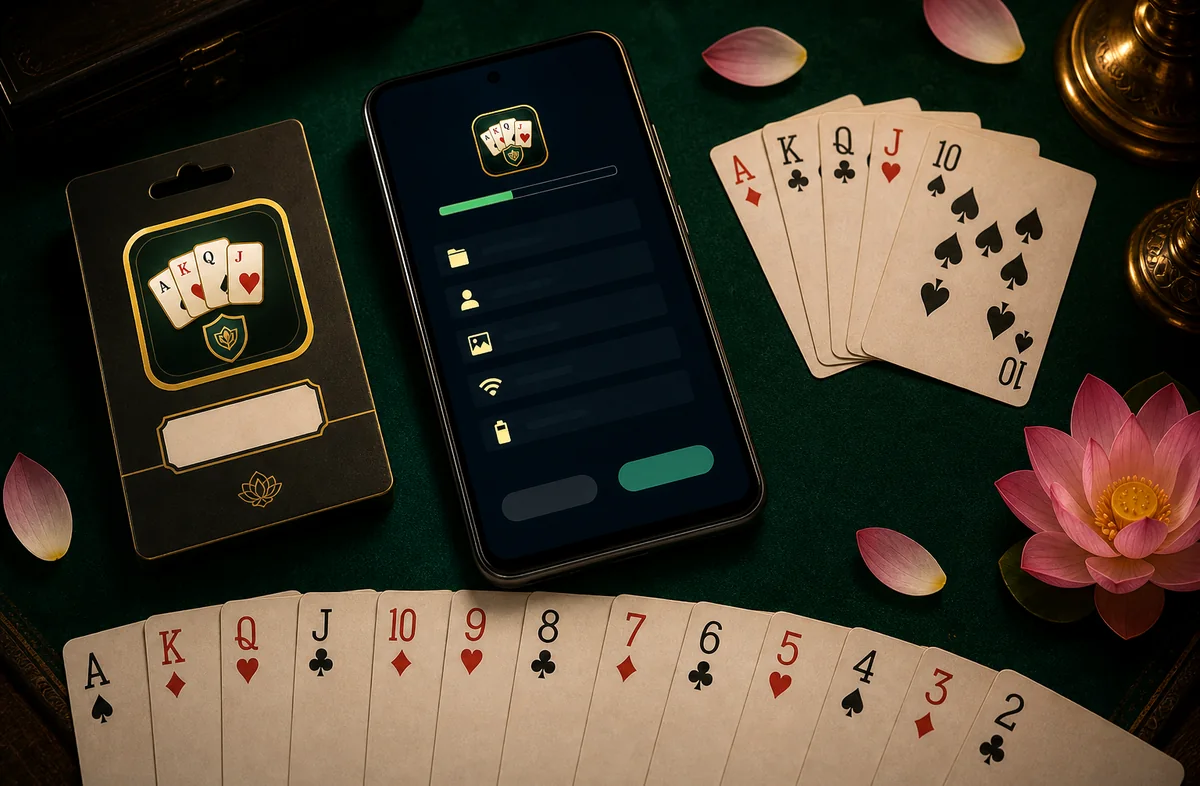
Permission ladder
- Unknown apps — Settings → Apps → Special access → Install unknown apps → enable for your browser.
- Play Protect — Scan anyway after checksum pass (file you checked locally only).
- OEM security — Allow install when Xiaomi/Oppo/Vivo prompts appear.
- Screen overlay — Disable bubble chat overlays during install.
- Single tap — Wait for progress bar; do not force-close installer.
OEM install UI matrix
| OEM | Typical block | Desk fix |
|---|---|---|
| Samsung | Install blocked banner | Enable for Samsung Internet/Chrome |
| Xiaomi | Optimizer pause | Disable optimizer 5 min |
| Oppo/Realme | Risk scan hang | Tap Allow once; retry |
| Stock Android | Unknown source off | Per-app allow list |
Install UI FAQ
Why does Install stay grey after enabling unknown sources?
Re-open the APK from Downloads after toggling permission—the installer session may need a fresh start.
Is this related to YONO SBI app updates?
Generally no. This desk covers sideload UI only. Banking updates typically use Play Store or bank channels.