Install help
Yono Rummy APK install or update failed fix
Install failures usually come from incomplete downloads, old-version conflicts, signature mismatch, low storage or blocked unknown-app permissions. Verify the route before changing Android security settings.
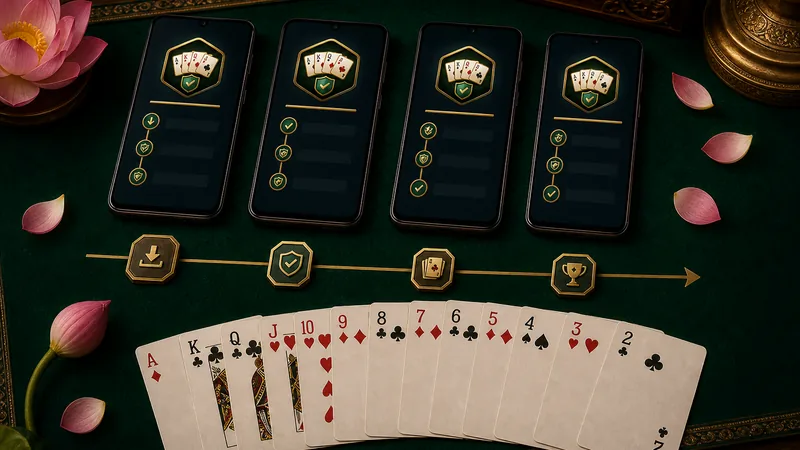
Direct answer: Delete duplicate APK files, download once on stable Wi-Fi, verify file size or checksum, remove conflicting old versions only if login recovery is ready, then retry from Android Files.
Fix sequence
- Remove old APK copies from Downloads and chat folders.
- Use the documented APK route, not a renamed mirror.
- Check Android version, free storage and install permission.
- Compare package name and signature if an update fails.
- Reject pages promising SBI affiliation, instant cash or guaranteed wins.